The Print/Copy function allows users to export and share hangar layouts with colleagues.
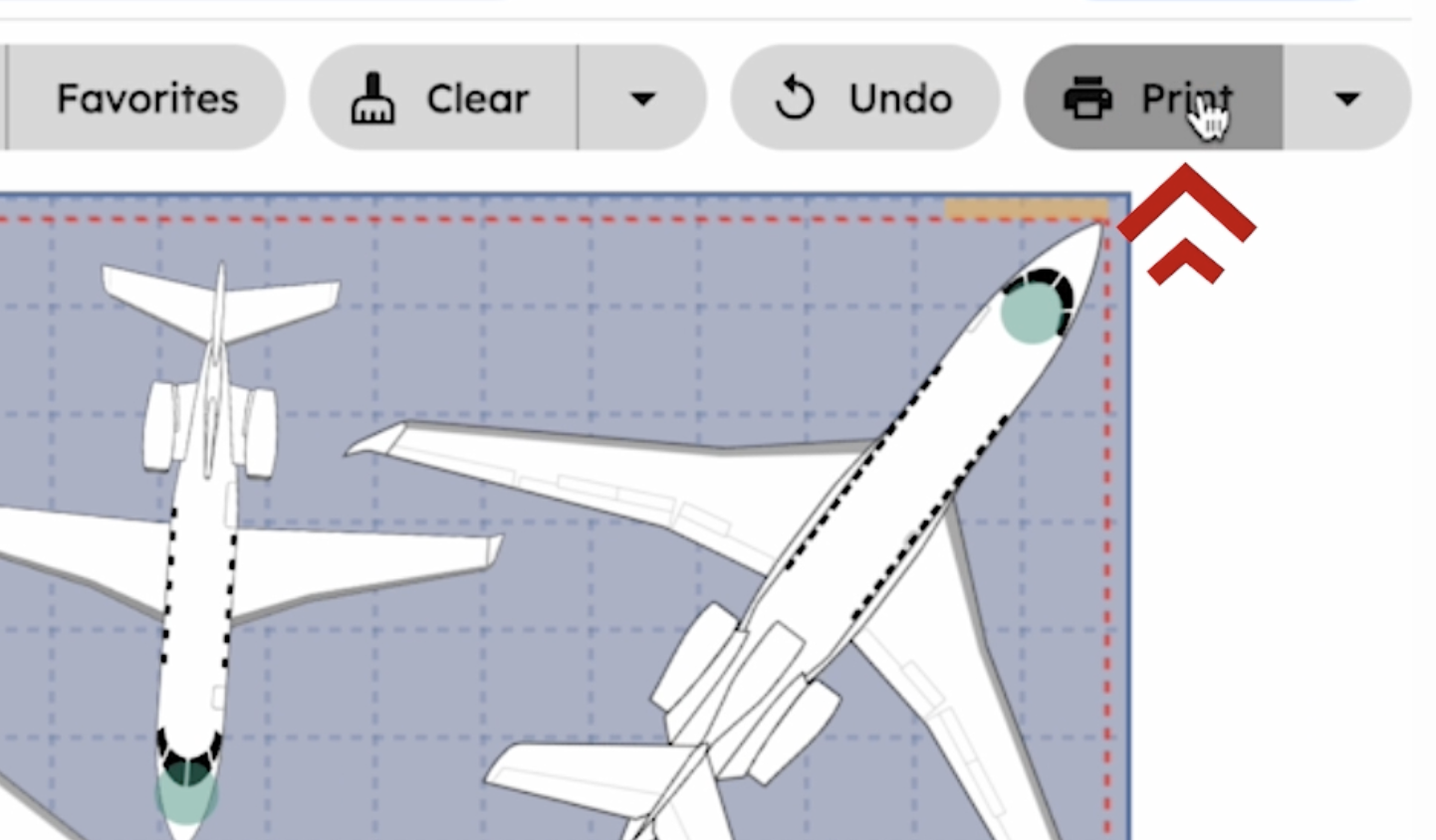
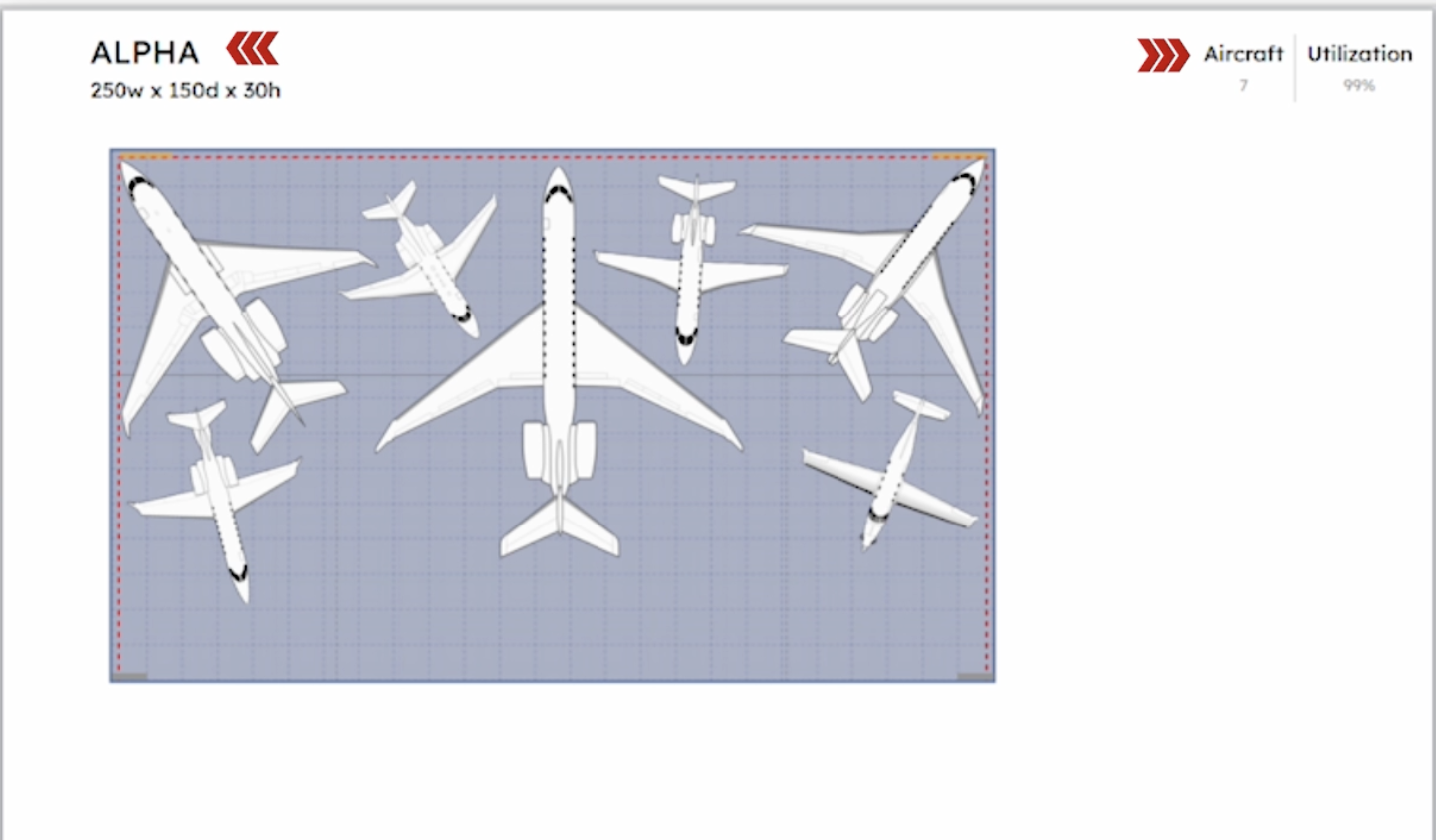
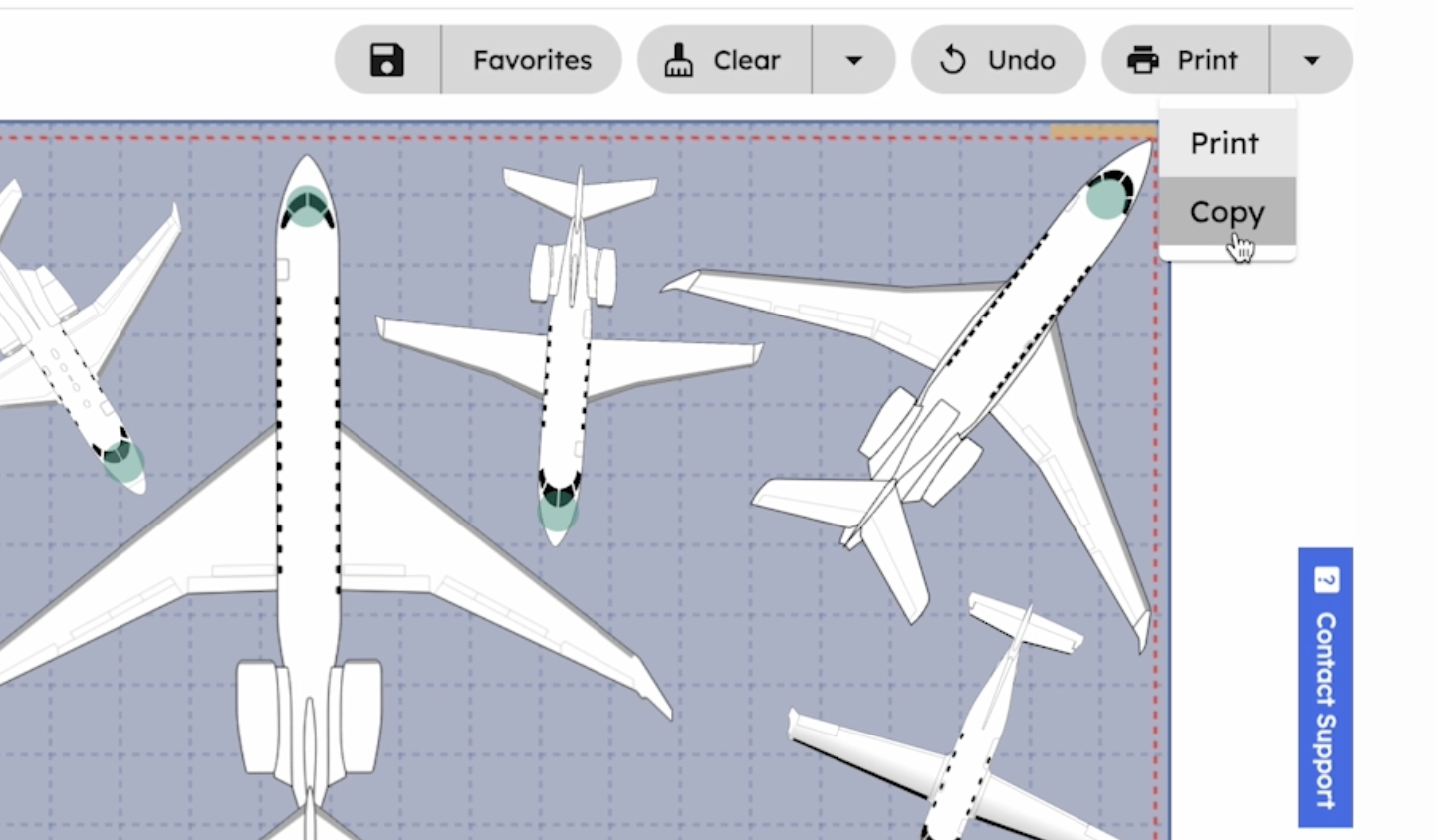
After stacking your hangar to your preference, you can export and share the layout with colleagues in two ways. First, use the print button to generate a print-friendly image containing hangar layout and plane images. Alternatively, select the copy button to copy a similar image to your clipboard, which can be shared via email or message and contains the hangar’s direct URL.
Last updated on