In the Settings module, you’ll find the Team Members tab, where you can add and administer user access in AirPlx.
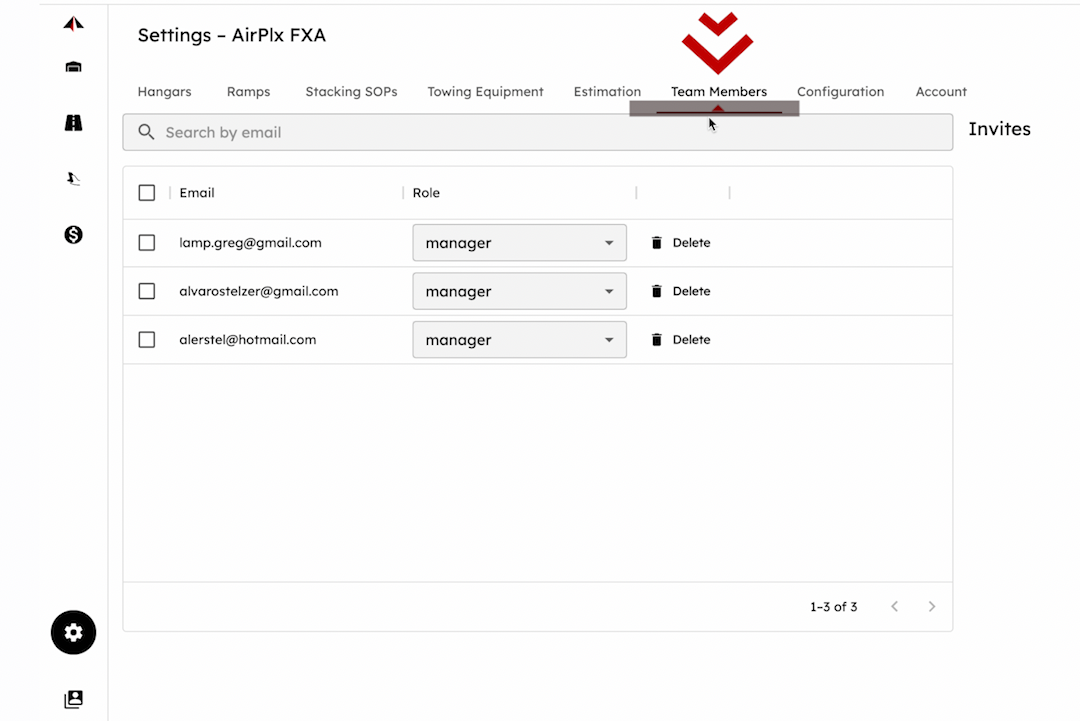
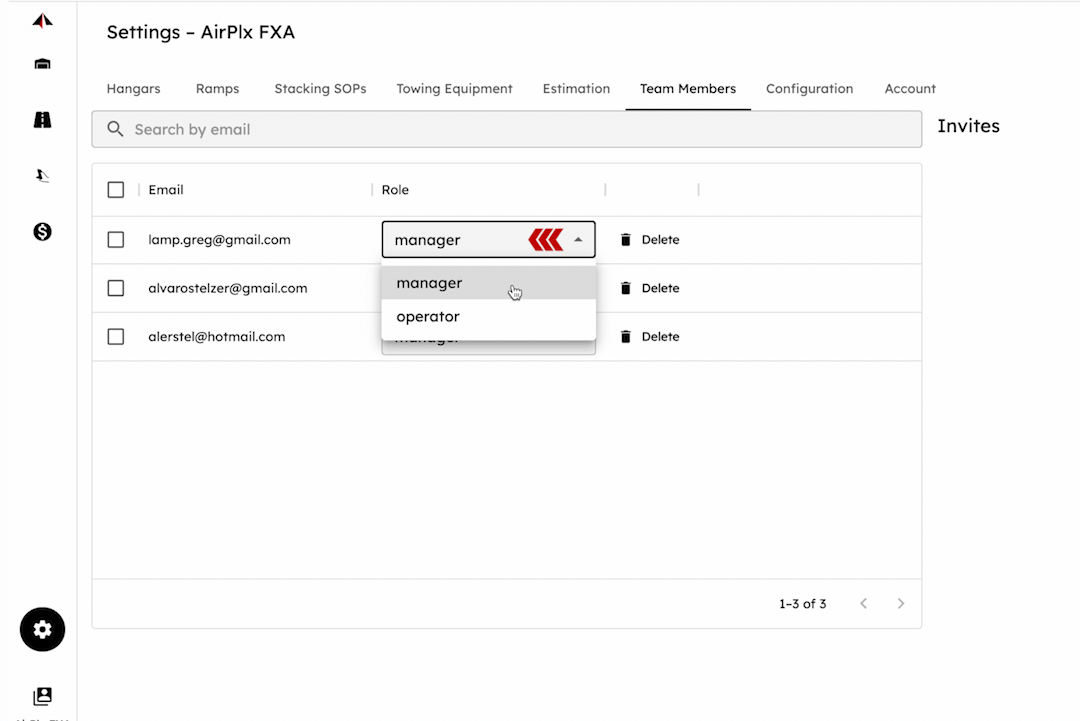
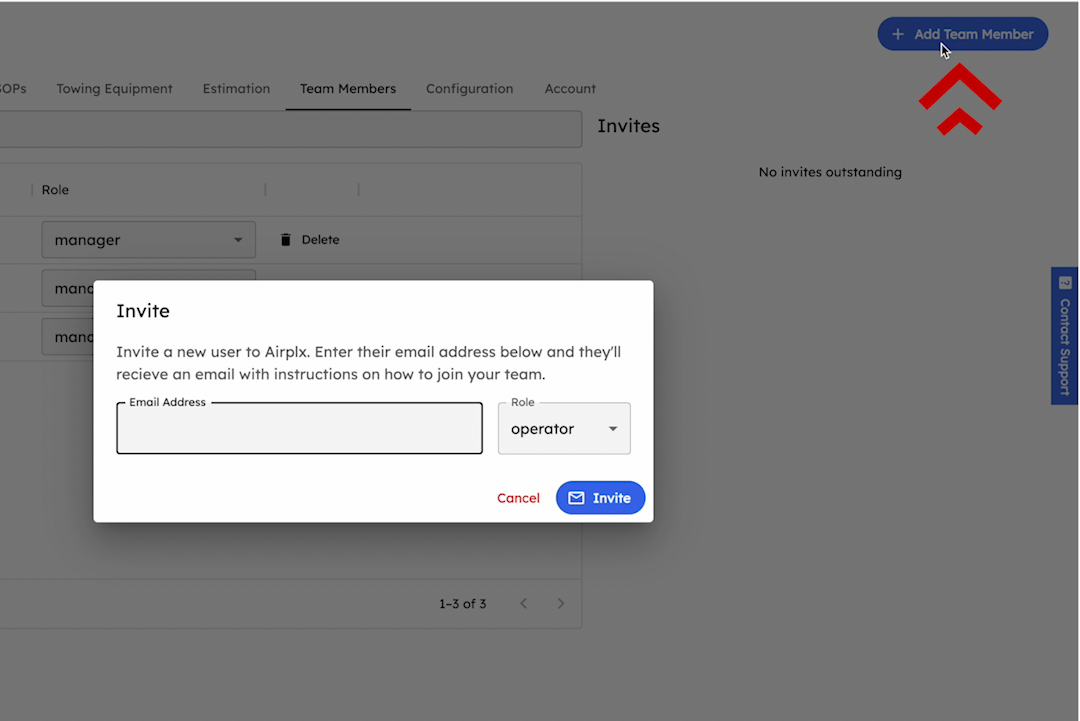
In the Settings module, you’ll find the Team Members tab, where you can control user access in AirPlx. Easily find, adjust roles, or remove users, and invite new members by entering their email and assigning them as operators (read-only access) or managers (full access). Simply click “Invite” to send an email invitation or copy the link to share directly.
Last updated on