Within this settings module, you’ll find the Configuration tab. This enables you to control more advanced features within AirPlx.
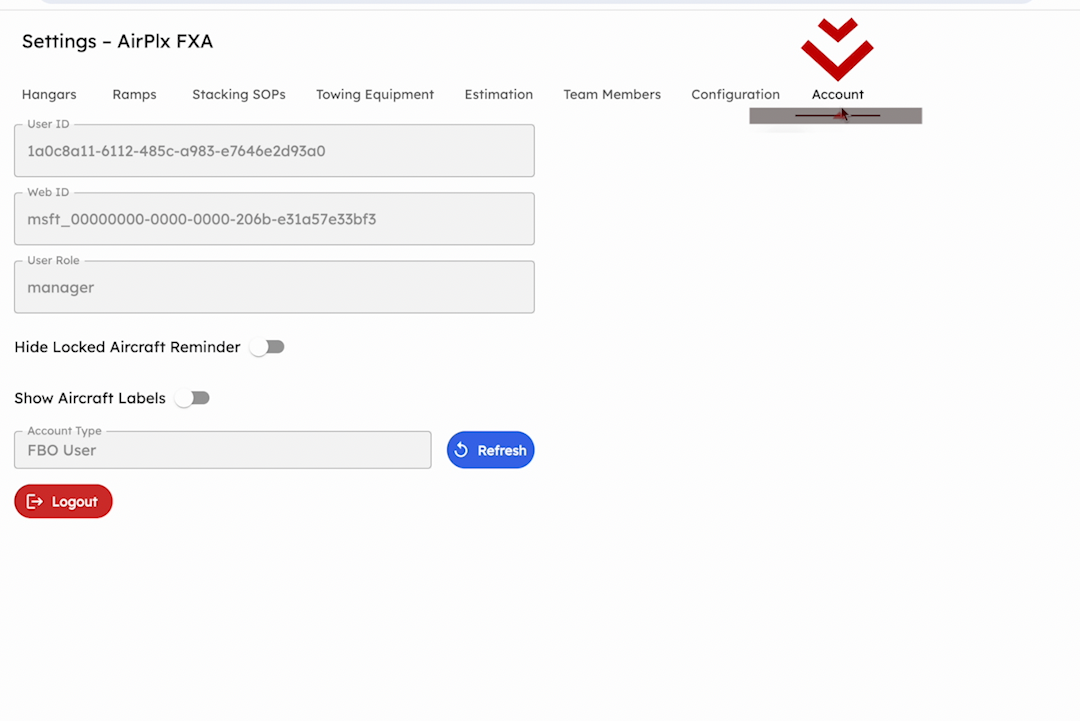
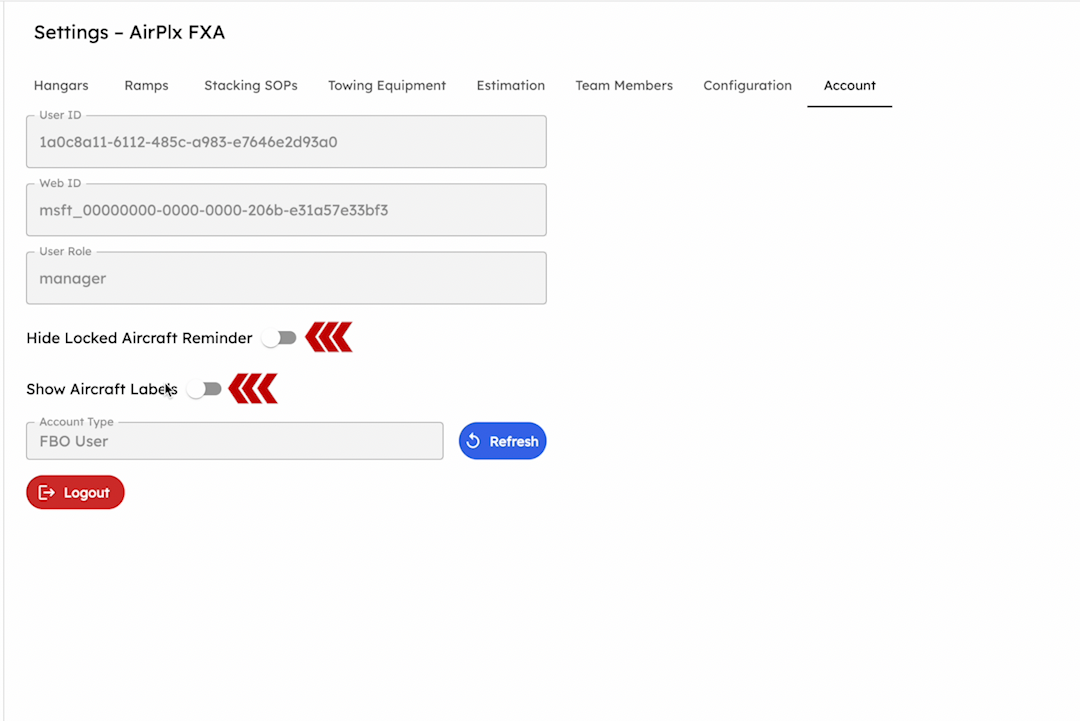
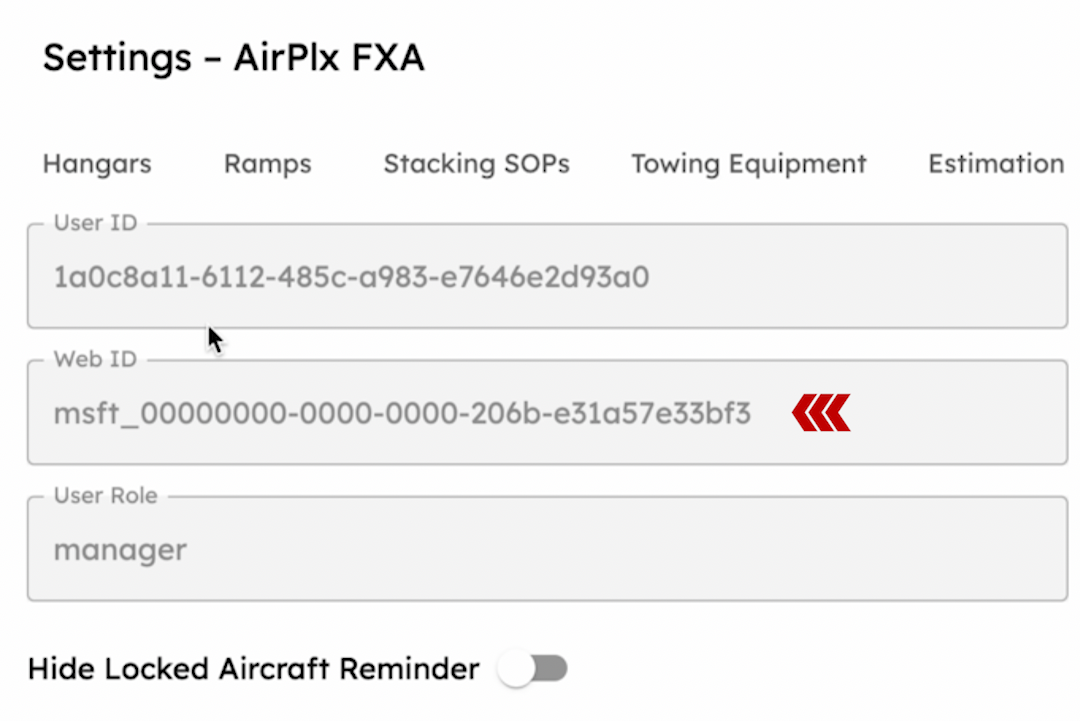
The first item displays the estimated value, controlling whether the manager and operator roles can view the value of a given hangar. The second setting, “Ignore dead space within utilization calculations,” allows you to determine whether non-aviation items are factored into your utilization calculations. For instance, if a hangar contains a large obstacle or room, this setting excludes the square footage occupied by such items from the utilization calculation.
Operational Capacity (OCU)
The “Display Operational Capacity (OCU)” toggle controls whether OCU meters and aircraft OCU badges appear on ramp views. When this setting is off (the default for existing FBOs), all OCU-related UI elements are hidden.
Turn this on to enable:
- The OCU capacity bar on the Ramp Info Card showing current load vs. operational capacity
- OCU badges next to each aircraft in the aircraft list
- The ability to set custom capacity overrides per ramp
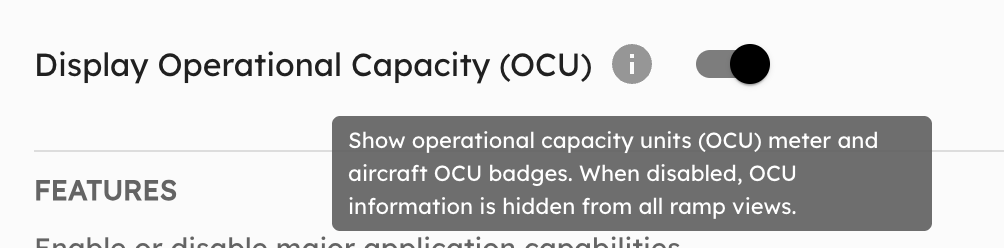 Enable OCU from Settings → Configuration → Display.
For a full explanation of how OCU works, see Operational Capacity Units.